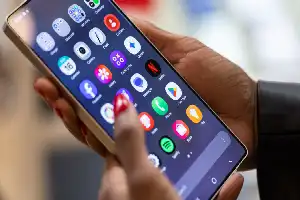
The long screenshot (scrolling screenshot) feature has now become a vital need for smartphone users to capture entire conversations in instant messaging apps, web articles, or digital documents within a single file. Both Android and iOS-based devices have integrated this feature natively, so users no longer need to install third-party applications that often consume storage space.
For iPhone users, this feature is commonly known as the 'Full Page' option. Users can capture the full screen while accessing the Safari browser or compatible documents. Once the capture process is complete, the system will prompt the user to save the result in PDF format, which can then be easily accessed through the Files app on the device.
Meanwhile, on Android devices, the long screenshot mechanism is usually activated via a scroll menu that appears briefly after a standard screenshot is taken. Although the interface across different Android phone brands may have slight technical differences, the working principle remains similar: combining multiple parts of the screen into a single vertically extended image.
By utilizing this built-in feature, the efficiency of documenting information on a phone screen becomes significantly better. Users are advised to ensure their device's operating system is always updated to the latest version to obtain feature stability as well as easy access to managing the captured screenshot files.